
BetX app facts
| Parameter | Details |
|---|---|
| App name | BetX |
| Platform | Android (APK file) |
| File name | betx-v2-1.apk |
| Version | 1.0.0 |
| File size | about 41 MB (43,056,844 bytes) |
| Price | Free |
| Account currency | Ethiopian birr (ETB) |
| Last checked | 06/11/2026 |
BetX mobile screenshots
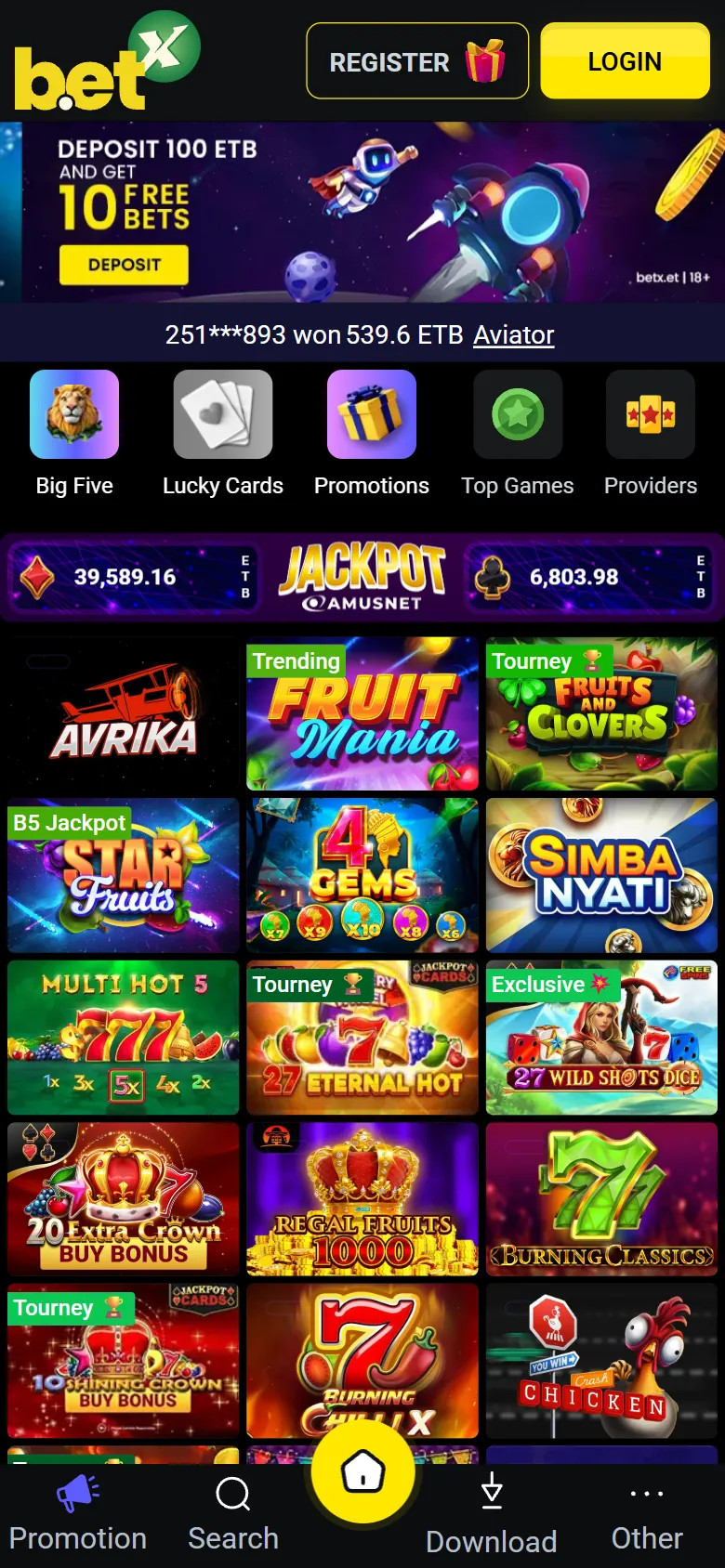
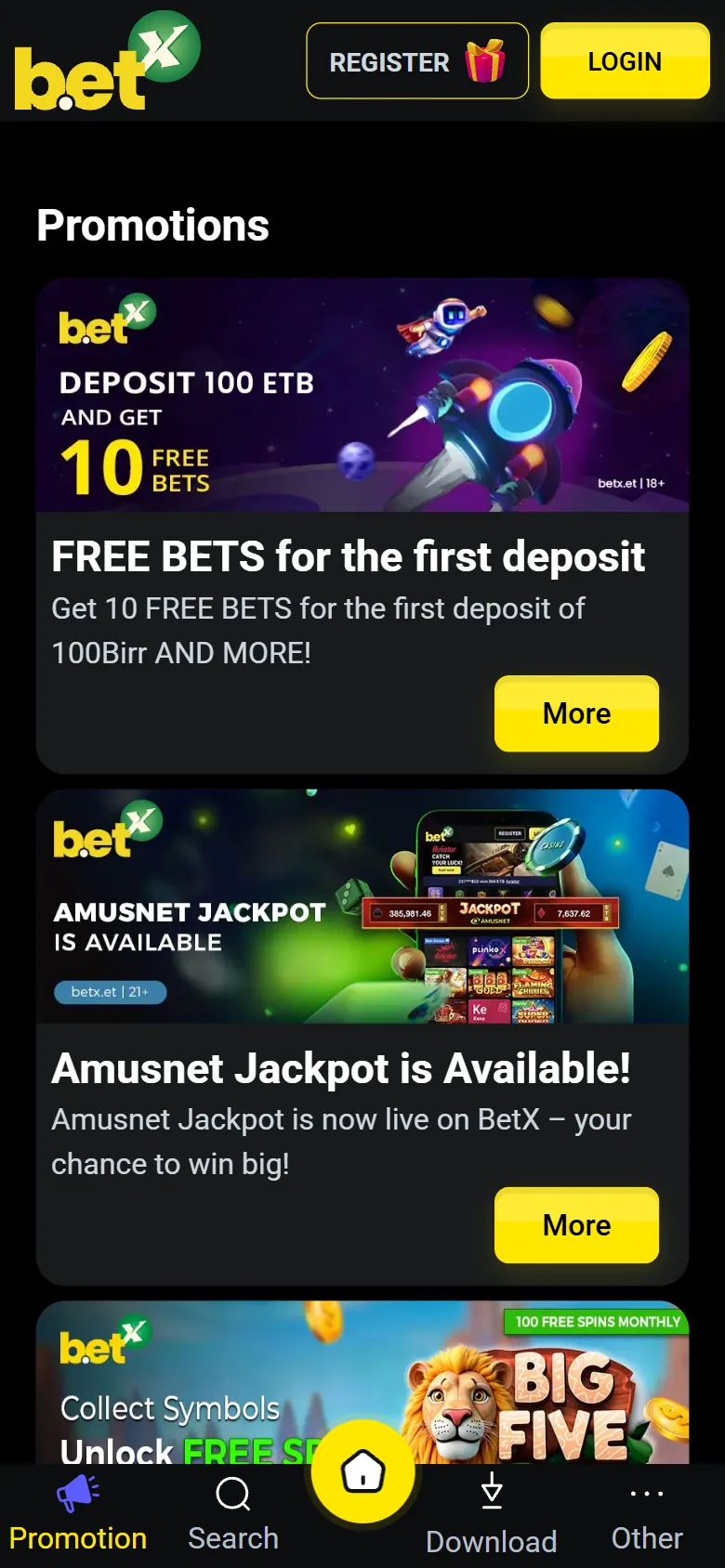
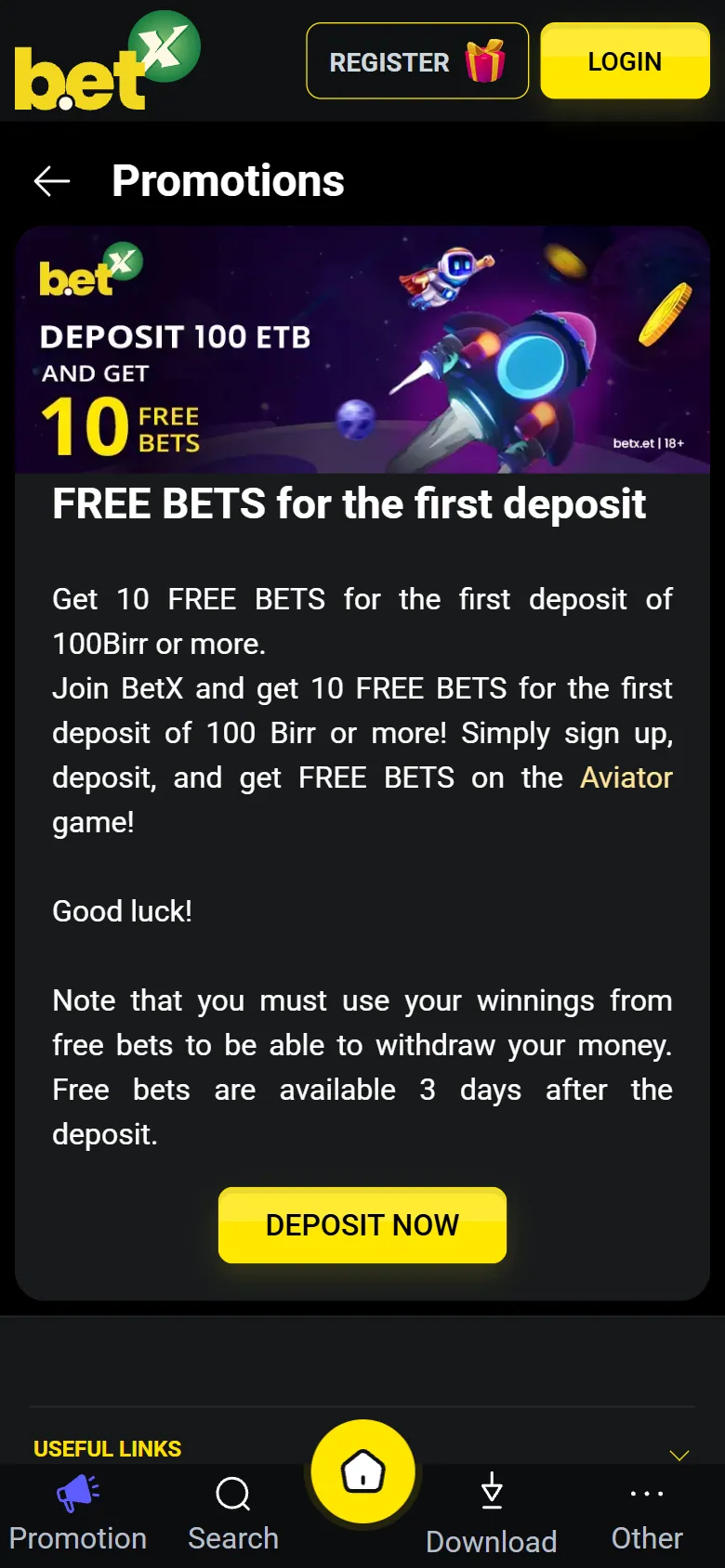
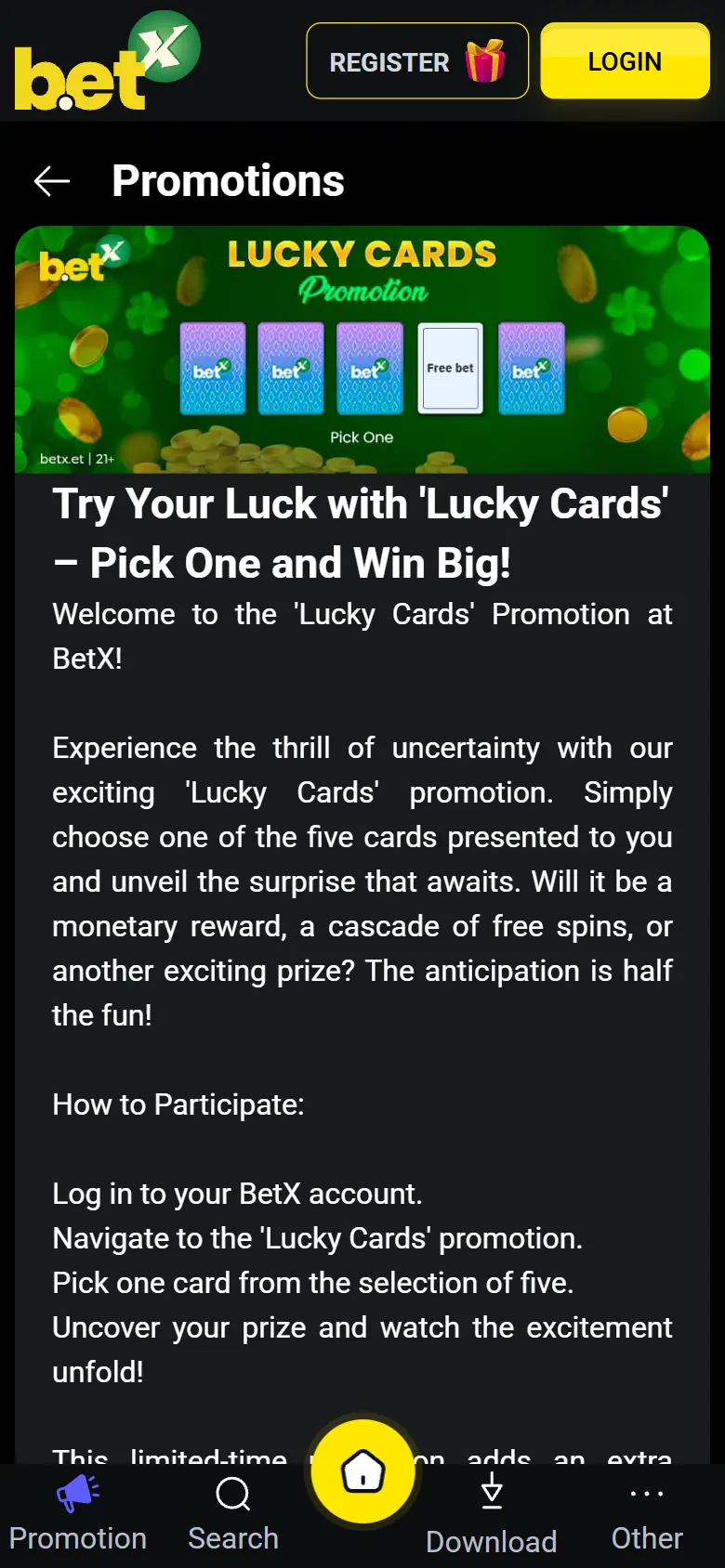
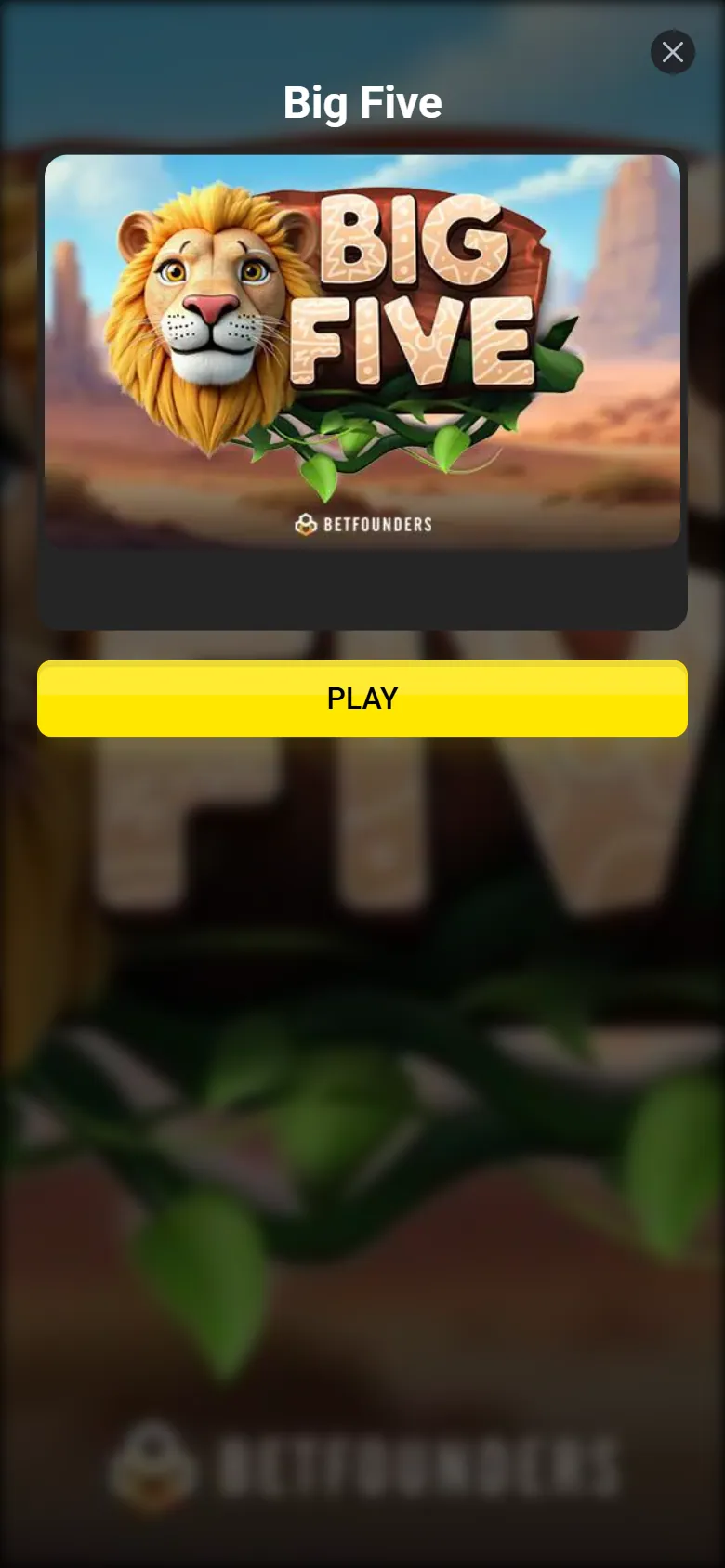
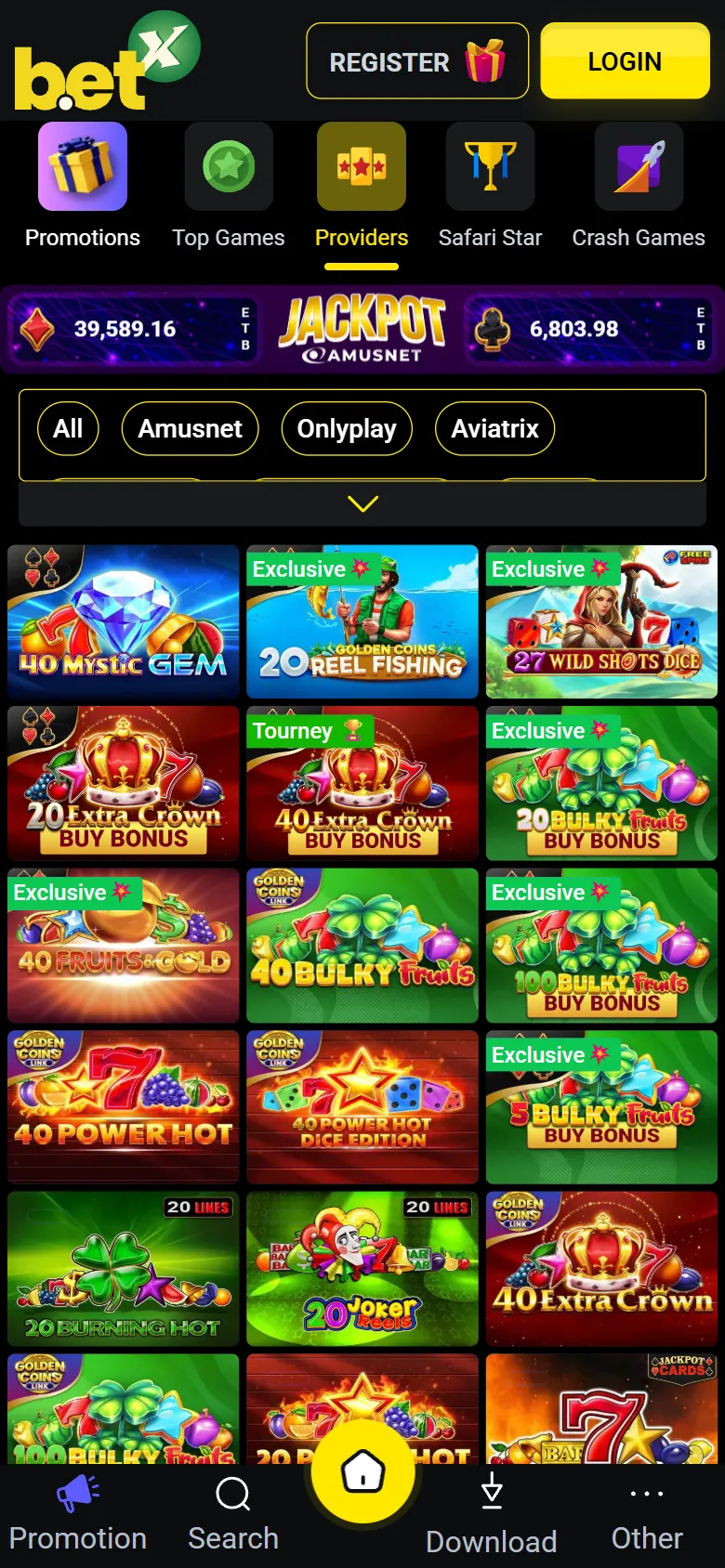
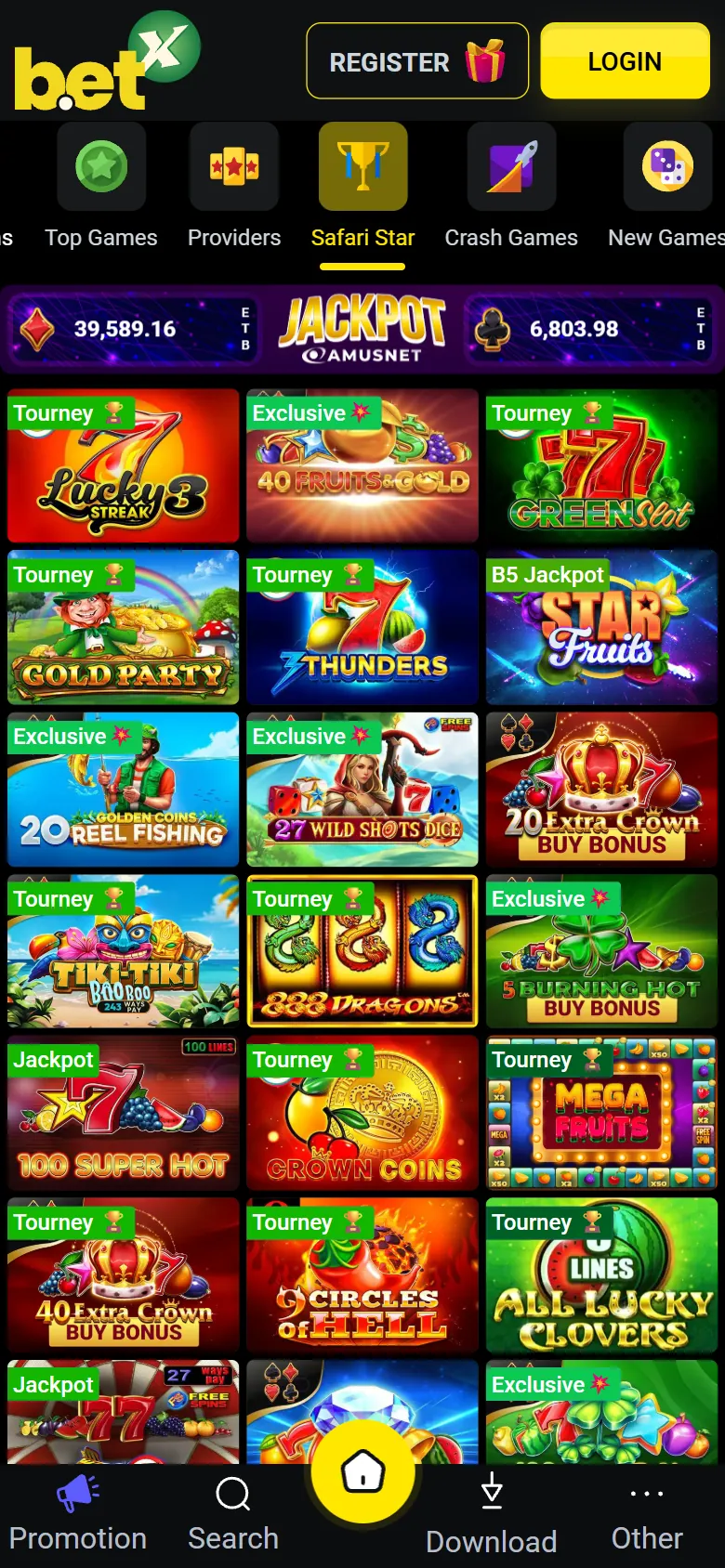
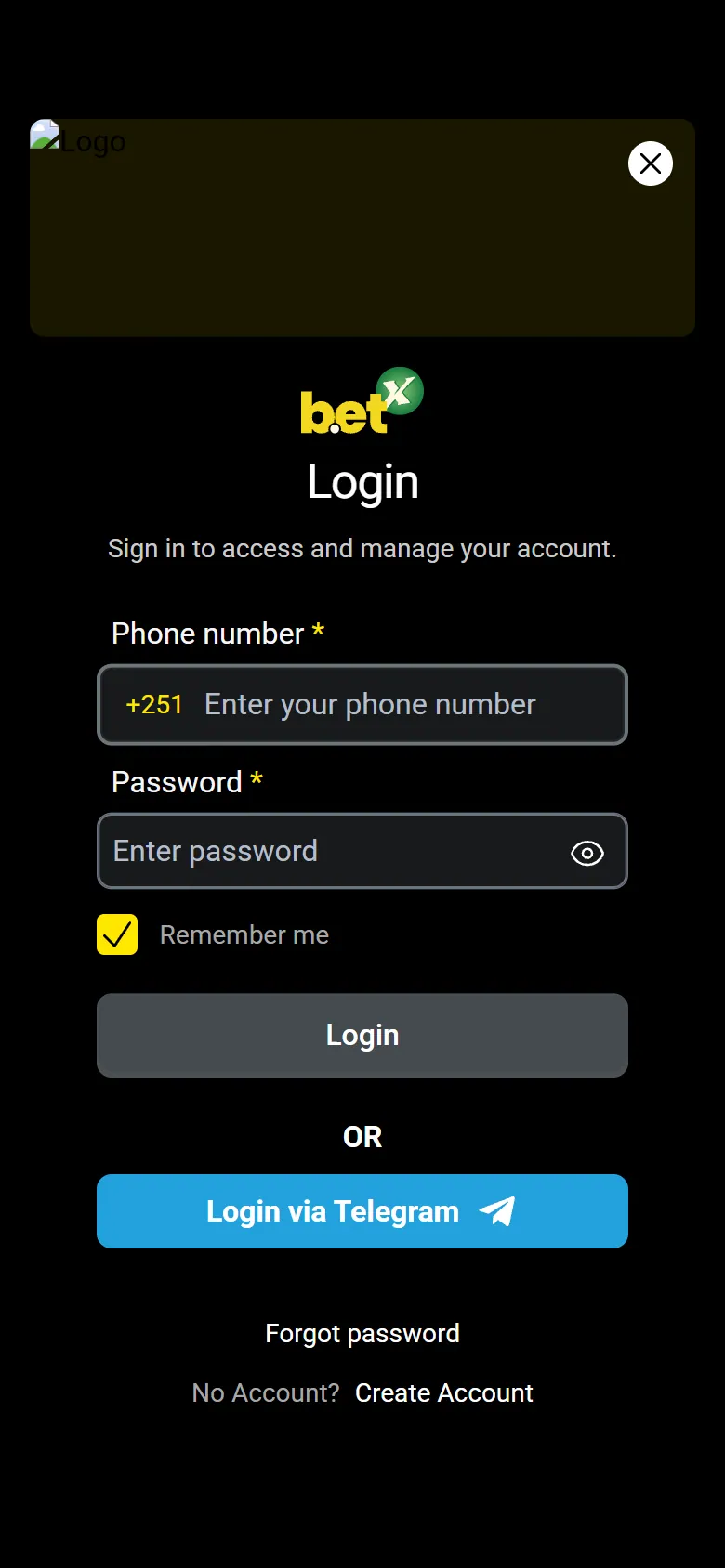
Free · Android · about 41 MB
Table of contents
- BetX app facts
- BetX mobile screenshots
- How to download and install BetX APK on Android
- Install the BetX APK
- BetX app on iPhone (PWA shortcut)
- What you can do in the app
- Main features
- Free bets in the app
- App or mobile site: which one to choose
- Updates and old versions
- Common problems and simple fixes
- Conclusion
The BetX app has become a handy way for players in Ethiopia to open the lobby of crash games, instant games and slots straight from the phone, without typing the address into a browser each time. The BetX app download is a plain APK file for Android, and the app is currently available only for Android devices. There is no separate iOS app, but iPhone users can still reach the platform through the mobile site, as described below.
This page explains how to install the BetX APK, how to sign in, what the app offers, how it compares with the mobile site and what to do when something goes wrong. Everything here is based on what the BetX website shows today; details that the site does not publish (such as the minimum Android version) are left out on purpose.
How to download and install BetX APK on Android
The APK is installed outside Google Play, so Android asks for one extra permission. The whole process takes a few minutes on a normal mobile connection.
Install the BetX APK
Tap the download button
Open this page on your Android phone and tap Download APK. The file betx-v2-1.apk (about 41 MB) starts downloading. Use Wi-Fi if your mobile data balance is low.
Allow installs from this source
Android may show a warning that the file can harm your device. Choose Settings and switch on Allow from this source for your browser (older Android versions: Settings, Security, Unknown sources).
Open the file
Open the notification when the download ends, or find betx-v2-1.apk in the Downloads folder of your file manager, and tap Install.
Launch the app
Tap Open or use the new BetX icon on the home screen. If Play Protect asks for a scan, let it finish.
Sign in or create an account
Press Login and enter your details. New players first need an account: the steps are on the betx register login page.
Once the app is installed you can switch the unknown-sources permission off again. Keep the APK file only until you are sure the installation works, then delete it to free about 41 MB.
Download from one source only
Install the APK only from the download button on this site or from the BetX website itself. Files shared in chats or on unknown pages can be modified. Never share your password or SMS codes with anyone.
BetX app on iPhone (PWA shortcut)
BetX does not offer an iOS app. On an iPhone or iPad you can still add the site to the home screen so it opens like an app, full screen and without the address bar:
- Open the BetX website in Safari.
- Tap the Share button at the bottom of the screen.
- Scroll down and choose Add to Home Screen.
- Keep or edit the name and tap Add.
- Open the new icon and sign in as usual.
Android users who prefer not to install an APK can do the same in Chrome: open the menu with three dots and choose Add to Home screen.
What you can do in the app
Main features
Games lobby
Crash games, instant games, slots, jackpots and turbo games from providers such as Pragmatic Play, Spribe and Amusnet, with a PRACTICE mode on games.
Promotions
The Promotions section lists free bets after a first deposit, extra free bets, the Big Five bonus game and Lucky Cards.
Deposits and withdrawals
Your balance is shown in ETB at the top of the screen, and the cashier is available in the same account as on the website.
Game search
A search box and category tabs such as Top Games, Crash Games and New Games help you reach a title in a few taps.
Tournaments
Tournament pages and the winners ticker are part of the lobby, so you can follow current events.
One account
The same login works in the app and in the browser; identity and age checks apply on both.
The games catalogue is the strongest side of the product. If slots and crash games are what you play, read more about the betx casino lobby before you install. Classic live sports betting was not found in the lobby; the Sport category contains virtual sport games.
Free bets in the app
The site runs a promotion called Download App, but its terms are not published on the page we could read, so we do not promise any reward for installing. What the site does state clearly: a first deposit of 100 birr or more gives 10 free bets on the Aviator game, and a deposit of 1,000 birr or more can give 15 extra free bets for a limited time. Always read the current terms in the Promotions section before you deposit, because bonus funds must be wagered before winnings can be withdrawn.
App or mobile site: which one to choose
| Feature | Android app (APK) | Mobile site |
|---|---|---|
| Installation | APK file, about 41 MB | None, opens in the browser |
| Storage on the phone | Uses space for the app and its cache | Almost none |
| Opening speed | One tap from the home screen | Needs the address or a saved shortcut |
| Updates | Install a newer APK by hand | Always the latest version |
| Notifications | Depend on the app settings of your phone | Limited in the browser |
| Data usage | Lower after the first load, game content still loads online | Similar; pages are loaded on each visit |
| Works on iPhone | No | Yes, also as a home-screen shortcut |
If your phone has little free memory or you use iOS, the mobile site does the job. If you play every day on Android, the app saves a few taps each time.
Updates and old versions
An APK installed by hand does not update itself through Google Play. When a new file appears on this page, download it and install it over the old one: your account, balance and history stay on the server, so nothing is lost. If you are looking for an old version, remember that old files may not log in or may miss security fixes, so the newest APK is the safest choice. If the new file refuses to install over the old app, uninstall the app and install again; you only need your login and password.
Common problems and simple fixes
- The file does not install. Check that installs from your browser are allowed, that at least 150 MB of storage is free and that the download was not interrupted (the size should be about 41 MB). Download it again if it is smaller.
- "App not installed" message. Remove an older copy of BetX first, then install the new file.
- The app will not update. Download the latest APK from this page and install it over the old version.
- Login does not work. Check the phone number or e-mail format, use the password reset option and make sure the clock on your phone is set automatically. A betx app login problem is usually a wrong password or a lost connection.
- Games load slowly. Switch between Wi-Fi and mobile data, close other apps and clear the BetX cache in the phone settings.
- Withdrawal is on hold. BetX verifies identity and age, so a withdrawal can wait until documents are provided.
Pros
- Free to download and one tap from the home screen
- Large games lobby with practice mode
- Balance in Ethiopian birr
- Same account as on the website
Cons
- Android only, no native iOS app
- Installed outside Google Play, so updates are manual
- Minimum Android version is not published
Play responsibly
Betting is for adults aged 18 and over. Play only with money you can afford to lose, set deposit limits, take breaks and stop if gambling stops being fun.
Conclusion
The BetX app is a light, free Android download of about 41 MB that brings the games lobby, promotions and cashier to your phone. Install it from the official file above, keep it updated by hand, and use the home-screen shortcut if you are on iPhone.
Frequently asked questions
How do I download the BetX app for Android?
Tap the Download APK button on this page, allow installs from your browser when Android asks, open the downloaded betx-v2-1.apk file and tap Install. Then open the app and log in.
Is the BetX APK free?
Yes. The BetX app download is free; the file is about 41 MB. You only pay for your own mobile data.
Is there a BetX app for iPhone?
No native iOS app is offered. On iPhone, open the BetX website in Safari and use Share, then Add to Home Screen, to create an app-like shortcut.
How do I log in to the BetX app?
Open the app, press Login and enter your account details. If you do not have an account yet, register first and then use the same details in the app and in the browser.
Can I download an old version of the BetX app?
Old files may not log in or may lack fixes, so the latest APK on this page is the recommended choice. Installing a newer file over the old one keeps your account data.
Why does the BetX APK not install?
Usually installs from your browser are not allowed, storage is full or the download was interrupted. Enable the permission, free some space and download the file again.
Does the app use Ethiopian birr?
Yes, the balance in the app is shown in ETB, the same as on the website.
What is the difference between the app and the mobile site?
The app opens with one tap and keeps your session handy, while the mobile site needs no installation, always shows the latest version and works on iPhone too.